
JPG vs PNG vs WebP vs AVIF: Which Image Format is Best for SEO?
Selecting the right image format is one of the most critical decisions in web development, digital marketing, and search engine optimization.
Choose the wrong format, and your web pages will load sluggishly, inflating mobile bounce rates and failing Google's Core Web Vitals performance audits. Choose the right format, and your imagery will render crisp, vibrant, and lightning-fast.
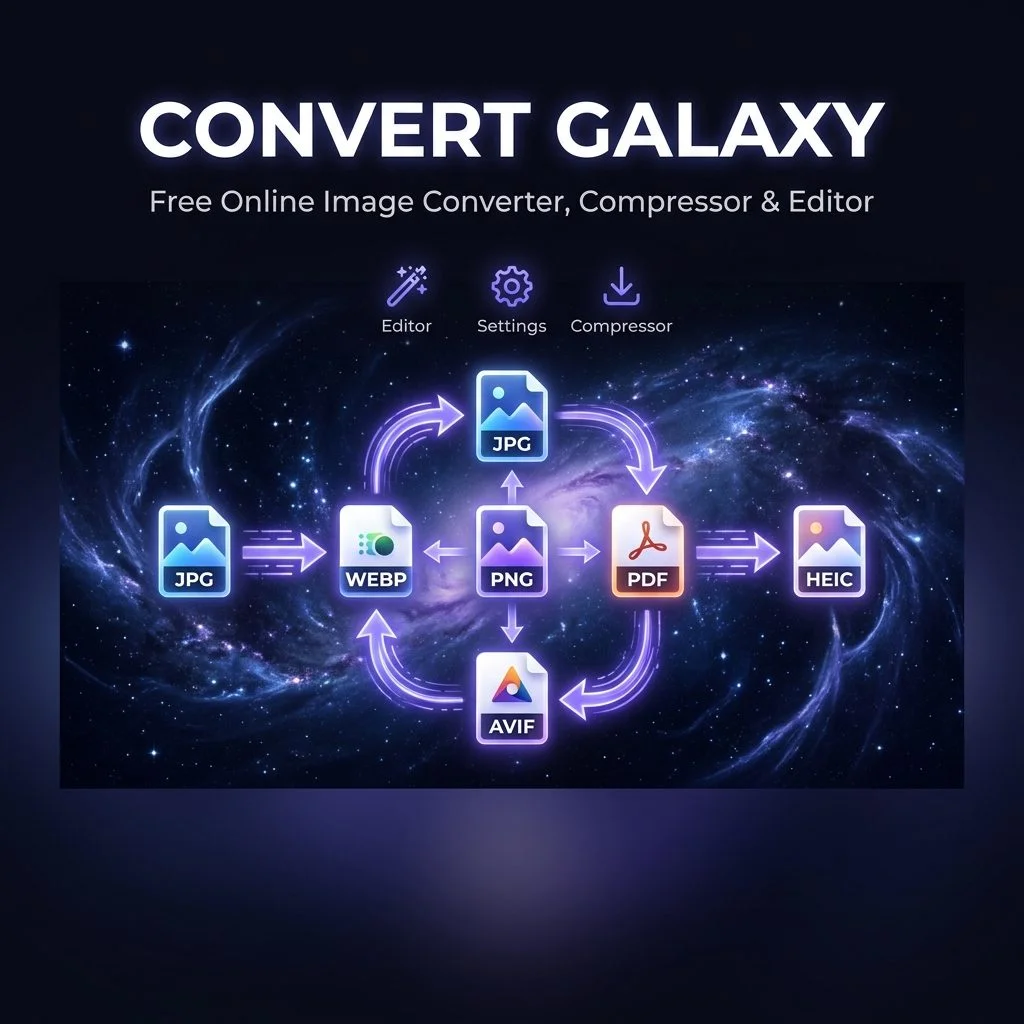
In this deep dive, we compare the four dominant web image formats—JPG, PNG, WebP, and AVIF—analyzing their compression mechanics, transparency support, and exact use cases.
Format Overview & Evolution
- JPEG / JPG (1992): The veteran lossy compression standard designed specifically for photographic imagery. Discards high-frequency visual data to create lightweight files.
- PNG (1996): The lossless alternative to GIF. Utilizes DEFLATE compression to preserve pixel-exact sharpness and 8-bit alpha transparency.
- WebP (2010): Google's next-generation format developed from the VP8 video codec, offering both lossy and lossless modes with alpha transparency.
- AVIF (2019): The bleeding-edge format developed by the Alliance for Open Media, derived from the AV1 video codec for maximum compression efficiency.
Technical Comparison Matrix
| Format | Compression Type | Transparency (Alpha) | Average File Size | Browser Support | Best Use Case |
| :--- | :--- | :--- | :--- | :--- | :--- |
| JPG / JPEG | Lossy only | No | Medium | Universal (100%) | Photography, complex color scenery |
| PNG | Lossless only | Yes (8-bit alpha) | Very Large | Universal (100%) | Logos, UI icons, screenshots with text |
| WebP | Lossy & Lossless | Yes (8-bit alpha) | Small (~30% smaller than JPG) | 97%+ of modern browsers | Default choice for modern websites |
| AVIF | Lossy & Lossless | Yes (12-bit HDR) | Smallest (~50% smaller than WebP) | 93%+ (Chrome, Safari 16+, Firefox) | High-traffic landing pages, hero banners |
When to Use Each Format
1. When to Use WebP (The Modern Standard) WebP should be your default format for standard website content. Because it supports both lossy compression (for photos) and lossless compression with transparency (for icons and logos), WebP eliminates the dilemma of choosing between JPG and PNG. - *Use our WebP Converter to transform any image to WebP.*
2. When to Use JPG JPG remains the undisputed king of universal compatibility. If you are sending photos via email, preparing assets for desktop software (like older Photoshop or CAD suites), or uploading to marketplaces like Amazon or eBay, JPG guarantees zero format errors. - *Use our PNG to JPG Converter or WebP to JPG Converter for universal compatibility.*
3. When to Use PNG PNG is ideal when bit-for-bit mathematical accuracy is required. Because PNG does not introduce compression artifacts, it is essential for: - Corporate vector logos and branding assets. - Screenshots featuring tiny, legible typography. - Digital graphics requiring full transparent overlays during production. - *Use our JPG to PNG Converter to prepare images for graphic editing.*
4. When to Use AVIF AVIF offers the highest compression efficiency available today, frequently producing images that are 80% smaller than PNG and 40% smaller than WebP at identical visual clarity. It is perfect for high-traffic e-commerce storefronts and mobile-first landing pages where every kilobyte counts toward Google rankings. - *Use our PNG to AVIF Converter for cutting-edge performance.*
How Image Formats Impact SEO & Google Rankings
Google measures real-world user experience using Core Web Vitals. The metric most vulnerable to poor format choices is Largest Contentful Paint (LCP):
1. Bandwidth Savings: Replacing a 3MB PNG hero image with a 300KB WebP image saves 90% bandwidth.
2. Mobile Speed: On 4G and 3G cellular connections, lighter images render 3x to 5x faster, preventing visitors from abandoning your page.
3. Crawl Budget: Search engine crawlers can index and render more pages when your site payload is light and responsive.

Jatin Panchal
Founder & Developer @ ConvertGalaxyI'm a web developer and the founder of Convertgalaxy.com, dedicated to clean code and practical problem-solving. I write hands-on tutorials derived directly from real-world projects, breaking down complex topics into actionable insights.
View Full Author Profile & Articles